 Lift’s Go
Beat last week. Automatically.
Lift’s Go is a progressive overload tracker that shows what you lifted last time on every set, and tells you exactly when to add weight or reps. No spreadsheets, no guessing.
- Free to start
- No ads
- Works offline

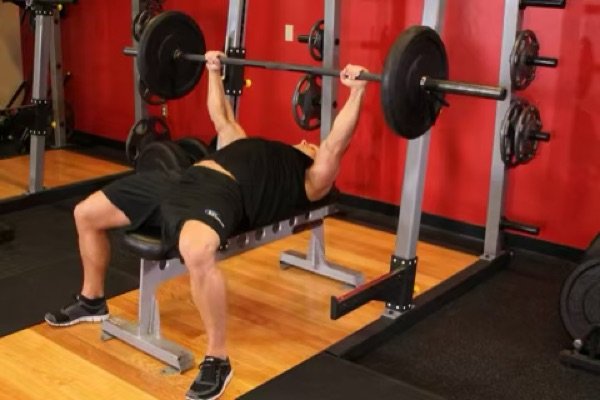
Progressive overload, on autopilot
Lift’s Go uses double progression, the simplest overload method that works for almost every lift.
See last time
Every set shows last session’s weight and reps, so you always know the number to beat.
Hit your reps
Work within your rep range. One tap logs the set and starts the rest timer.
Get the next weight
Hit every rep and the app suggests the next step: “Try 102.5 kg (+2.5)” or one more rep.
Never guess your weights again
The weight is prefilled from your last session, and the reps come from your plan’s target, not from a short last set. That keeps you moving up, not down.
- Last session’s weight × reps on every set row
- One tap to log, with a Lock Screen rest timer
- Saved on every tap, even if your phone dies
Know exactly when to add weight
When you hit every target rep, Lift’s Go tells you to go up. New personal records are called out the moment you set them.
- A clear next step: more weight or one more rep
- PRs for every rep range
- Estimated 1RM charts for every lift
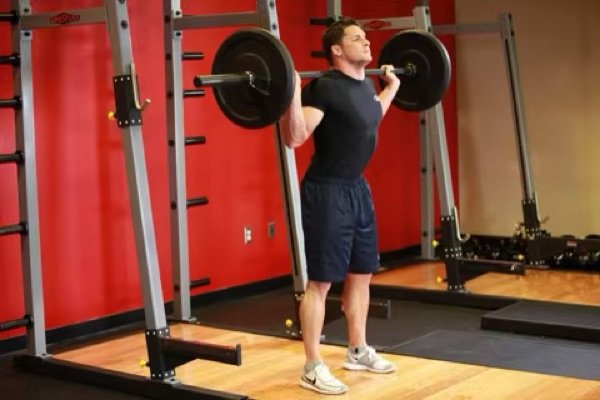
Watch your progress add up
Charts, muscle ranks and a weekly muscle map show where you’re getting stronger, and which muscles need more work.
- Strength charts for every exercise
- Muscle ranks from Wood to Champion
- A muscle map of what you trained this week
App vs notebook vs spreadsheet
| Notebook | Spreadsheet | Lift’s Go | |
|---|---|---|---|
| Last time’s numbers on every set | Flip back pages | Scroll and search | Automatic |
| Tells you when to add weight | No | Only with formulas | Yes |
| Rest timer | No | No | Lock Screen |
| PRs and 1RM charts | No | Manual | Automatic |
| Fast between sets | Slow | Slow on a phone | One tap |
| Works offline | Yes | Depends | Yes |
Questions
What is a progressive overload tracker?
How does Lift’s Go decide when to add weight?
Is Lift’s Go free?
Can I import my history from another app?
Does it work for bodybuilding and powerlifting?
Start beating last week
The progressive overload tracker for iPhone. Free on the App Store.
Download on theApp Store